Loading...
 The review layer for documents, with full human + AI accountability.
 It shows every change, explains its impact, and keeps all edits fully traceable.
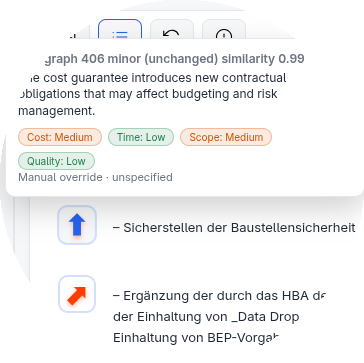
Spot changes, see the impact
See every edit instantly, with clear context. No guessing, no hidden changes, and no unnoticed risks.
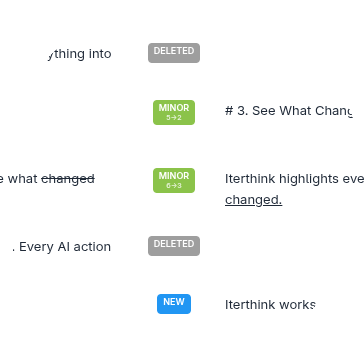
Review in minutes, not hours
No clutter, no lost comments, no confusion. Everything stays clean, anchored, and traceable.
Bulletproof accountability
All changes are fully recorded, giving you a clear view of who changed what and when it happened.
Getting started
Understanding document status
Draft
Only visible and editable to yourself
Shared
Visible and editable to everybody in the project
Published
Visible for commenting and cloning for everybody in the project
Archived
Read-only, preserved for reference
Typical workflow
- Create or import a document — start with Draft status to work privately
- Write and iterate — every save creates a new version you can compare
- Move to Shared — when ready for team collaboration
- Publish — open for final review and commenting
- Archive — preserve the final version for reference
Quick tips
- Use the comparison view to see exactly what changed between versions
- Comments are anchored to specific paragraphs — they won't get lost during edits
- AI prompts remember your project context for better suggestions
- Export to Word or Markdown anytime, regardless of status
Markdown Quick Reference
#Heading 1##Heading 2**bold***italic*~~strikethrough~~[link text](https://example.com)- list itemor1. numbered item`inline code`or```code block```